Straight answers, industry by industry.
The questions operators in each industry ask before they choose a fleet platform — answered against what ZonePin Fleets actually does today.
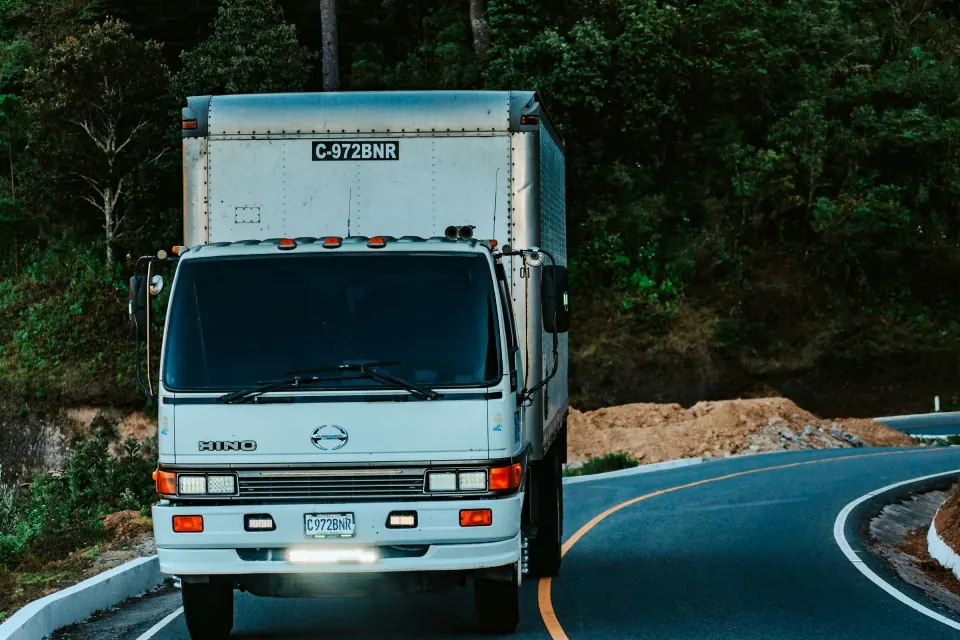
Long haul & freight
Transportation & logistics
Plan every run, hold every ETA and keep a record of every drop.
ZonePin for transportation & logisticsYes. Hand ZonePin the day’s orders and it builds the runs. Every stop is matched to the right truck and sequenced within capacity, driver hours and each customer’s delivery window. Planning the whole fleet together, rather than route by route, cuts total distance. Each route appears on the driver’s phone with turn-by-turn directions, and it can be adjusted while the truck is already out. Route optimisation and digital proof of delivery come with the Growth and Enterprise plans.
Yes. Each run is watched against its plan, and its ETA keeps updating as the truck moves. If a truck strays from its route, an alert goes out by email, mobile push or in-app, whichever each person prefers. You can also send your customer a live tracking link, so they can follow the truck without an account. Afterwards, trip replay lets you compare the road actually driven with the route that was planned.
Yes. Drivers capture proof of delivery in the app without signal, and it uploads as soon as they reconnect. Pre- and post-trip inspections and defect reports also work with or without signal.
Fuel card statements, tank levels and driver logs sit side by side in one ledger, and each entry is matched to its truck, driver and trip. With a tank reading from the tracker (OBD-II or a fuel sensor), an alert goes out when fuel leaves a parked truck, when a fill is bigger than the tank, or when fuel is slowly siphoned over days. Every card transaction is also checked against real fills, and mismatches are flagged. The fuel ledger and theft detection come with the Growth and Enterprise plans.
Drivers run pre-trip inspections in the app. If they report a critical defect, the truck is taken out of dispatch until someone clears it. Servicing is predicted from how each truck is actually driven, not from a calendar. RC, insurance, PUC and permits are stored with their expiry dates, and reminders repeat until each one is renewed. Maintenance, inspections and renewals come with the Growth and Enterprise plans.
Teltonika FMB (2G) and FMC (4G LTE) trackers work out of the box — from compact hardwired units to plug-in OBD-II trackers — and the supported trackers page lists every model with its specs. Running other hardware? Talk to us before you fit it. New or replacement devices can be ordered through a support ticket.
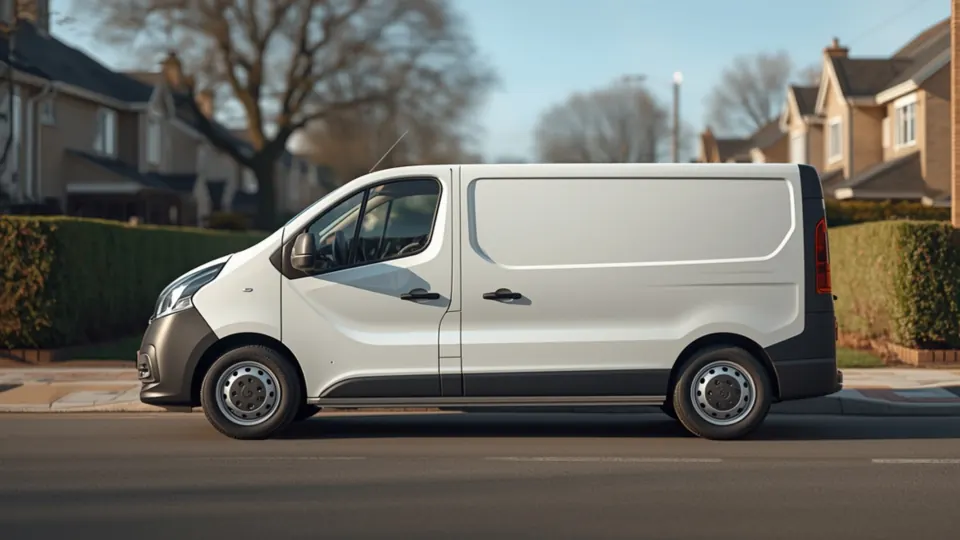
Two-wheelers & vans
Last-mile delivery
Keep riders on route, share live links and settle disputes in seconds.
ZonePin for last-mile deliveryYes. Bikes, scooters and vans share one live map, updating every few seconds. Teltonika trackers work out of the box, including the rugged, waterproof TFT100 for electric two-wheelers, and the supported trackers page lists every model. For other hardware, talk to us before you fit it.
Yes. Hand it the day’s orders and it matches each stop to a rider or van, then sequences the run for the fewest kilometres, within capacity, driver hours and each customer’s window. Because it optimises the whole fleet together rather than route by route, it cuts total distance. Each route reaches the rider’s phone at once, with turn-by-turn directions. Route optimisation and digital proof of delivery come with the Growth plan and above.
Yes. Create a public live tracking link for the trip and send it. The customer follows the vehicle live without needing an account. Your team watches each run against its plan, with arrival times that keep updating, so dispatchers can give customers times that hold. If a rider strays from the route, your team gets an alert.
The rider still captures proof of delivery in the driver app, even offline or in a basement. It uploads as soon as the phone reconnects.
Every trip is recorded, so you can play the rider’s journey back on the map, stop by stop, and compare the road actually driven with the route that was planned. Then check the proof of delivery captured at the door. Drops that were skipped or never reached are flagged automatically, so you can act before the customer calls.
Every rider is scored on harsh braking, speeding and cornering, so your coaching is based on evidence. You can set a lower speed limit that applies only inside a zone, such as a campus, a yard or a school street, and get an alert for every breach. If a rider presses SOS in the driver app, the alert cuts through every quiet-hours setting and reaches the people on call.
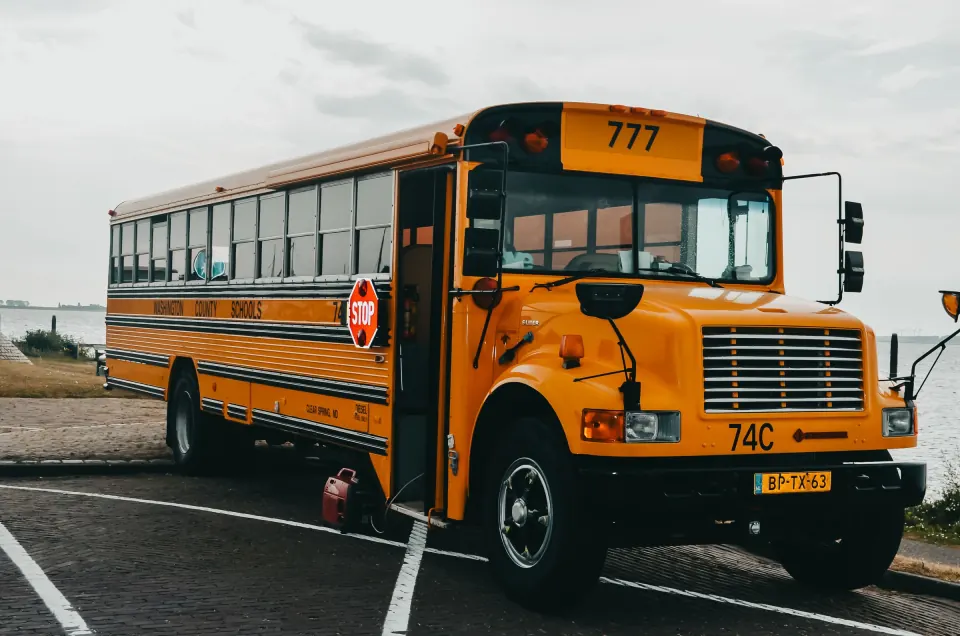
Buses & shuttles
School & staff transport
Geofenced stops, speed alerts and bus locations parents can trust.
ZonePin for school & staff transportYes. Create a public live tracking link for the trip and send it. Parents or staff can follow the bus on the link without needing an account, so they don't have to phone the transport desk.
The SOS alert cuts through every quiet-hours setting and reaches the contacts you have chosen, by email, mobile push or in-app. SOS is part of the ZonePin driver app, alongside the route, each stop and inspections.
Yes. Draw the campus as a zone, or a school street as a corridor, and give it its own speed limit. Every breach inside it raises an alert. Driver scorecards also score each driver on speeding, harsh braking and cornering, and trip replay lets you go back over any journey if a parent raises a concern.
Set up each pick-up point and school gate as a geofence, and ZonePin logs arrival, departure and waiting time at every one. If a scheduled stop never happened, ZonePin flags it for you, so nobody has to trawl through trips to find it.
Drivers do pre- and post-trip checks in the driver app, with or without signal. If a driver reports a critical defect, the bus comes out of dispatch until someone clears it. Fitness certificates, permits, insurance and PUC are stored with their expiry dates, and reminders repeat until each one is renewed. Maintenance, inspections and renewals come with the Growth plan and above.
Your data, including the database, files and backups, stays in India on Amazon Web Services in Mumbai. In your organisation, only the people you give access to can see it, and two-factor sign-in is always on for admins. If our support team needs to look inside your workspace, it uses a tool that records every session. The Enterprise plan adds custom roles that limit each person to the vehicle groups and regions they manage. It also adds an append-only audit log of every sign-in, permission change and data edit.
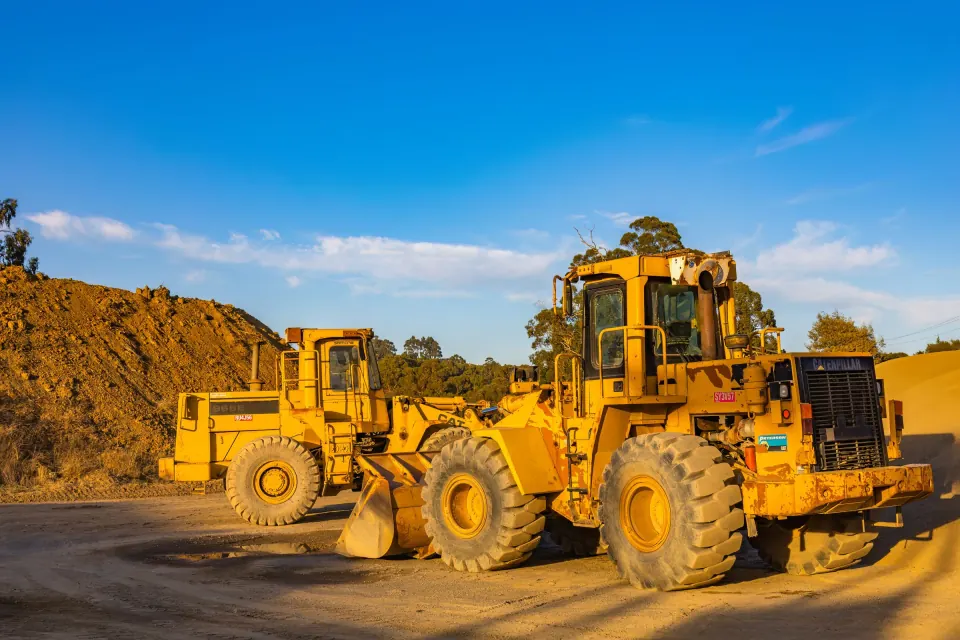
Sites & heavy equipment
Construction
See what’s on each site — and what moves once the gates close.
ZonePin for constructionYes. Outline each project as a polygon, and live presence shows every machine inside it right now, while the events feed records each entry, exit and visit. Alerts fire when equipment arrives, leaves or stays too long, with GPS jitter filtered out first.
Yes. Each zone’s rules can follow that site’s working hours, so anything moving at night is flagged. Alerts reach people by email, mobile push or in-app. Before you switch a new rule on, you can try it against last month’s data to see what it would have caught.
Yes, with a tank reading from the tracker (OBD-II or a fuel sensor): fuel leaving a parked vehicle, a slow siphon over days and a fill bigger than the tank each raise an alert. Tank levels, fuel-card statements and driver logs sit side by side in one ledger, and every card transaction is checked against real fills. The fuel ledger and theft detection come with the Growth plan and above.
The dashboard shows what is moving, idle or stopped, and every journey is recorded so you can replay it. Ready-made reports cover utilisation, distance, idling and trips, and a custom builder covers the rest. Idle time is also turned into rupees per vehicle and driver, so it can be managed down. Ready-made and custom reports come with the Growth plan and above.
Yes, on the Enterprise plan. Build roles from named permissions and limit each person to the vehicle groups and regions they manage, so a site manager sees only the groups you give them. Every sign-in, permission change and data edit goes into an append-only audit log that records who, what, when and from which IP.
Drivers complete pre- and post-trip checks and defect reports in the app, with or without signal. A critical defect takes the vehicle out of dispatch until someone clears it. Servicing is predicted from real usage rather than a calendar. RC, insurance, fitness certificates, PUC and permits are kept with their expiry dates, with reminders before they lapse. Maintenance, inspections and renewals come with the Growth plan and above.
Technicians & crews
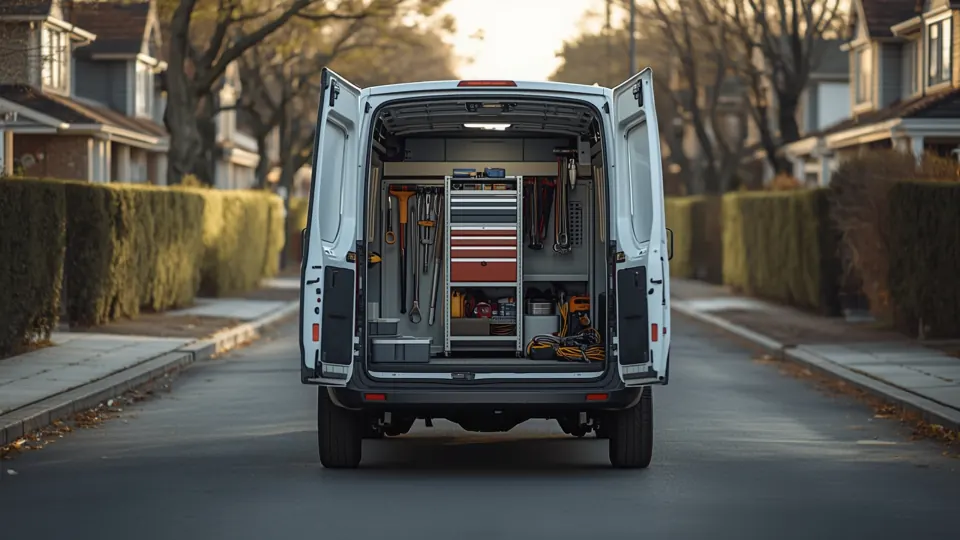
Field services
Get the right vehicle to every job, with fewer kilometres between.
ZonePin for field servicesYes. Draw a zone around each customer site and ZonePin records every entry, exit and visit, with alerts when a van arrives, leaves or stays too long. Scheduled visits that never happened are flagged automatically, and trip replay compares the road actually driven with the route that was planned.
Dispatchers can drop the job onto a vehicle right on the live map, or adjust a route with one click while the technician is already out. Each technician sees their stops in order on their phone, with turn-by-turn directions, and ETAs keep updating as the van moves. Route optimisation is part of the Growth and Enterprise plans.
For proof of delivery and inspections, yes. Proof of delivery can be captured without signal, even in a basement, and uploads as soon as the phone reconnects. Pre- and post-trip inspections and defect reports work with or without signal too. Both come with the Growth and Enterprise plans.
Yes. An alert rule can be set to apply only at the times you choose, for one van, a group or the whole fleet, so an out-of-hours ignition alert flags a van started when it shouldn’t be. Each zone’s rules can also follow that site’s working hours, so night-time movement stands out. Trip replay then shows where the van went, stop by stop.
The driver app has a panic SOS. It cuts through every quiet-hours setting and reaches the people on call, and the live map shows every van’s position, updating every few seconds. On the road, driver scorecards on harsh braking, speeding and cornering show who needs coaching.
Teltonika trackers work out of the box, so bikes and vans share one map — compact hardwired units for vans, and the rugged, waterproof TFT100 for electric two-wheelers. The supported trackers page lists every model. Not sure what to fit? Our team helps you choose, and new hardware is ordered through a support ticket.
Outlets & routes
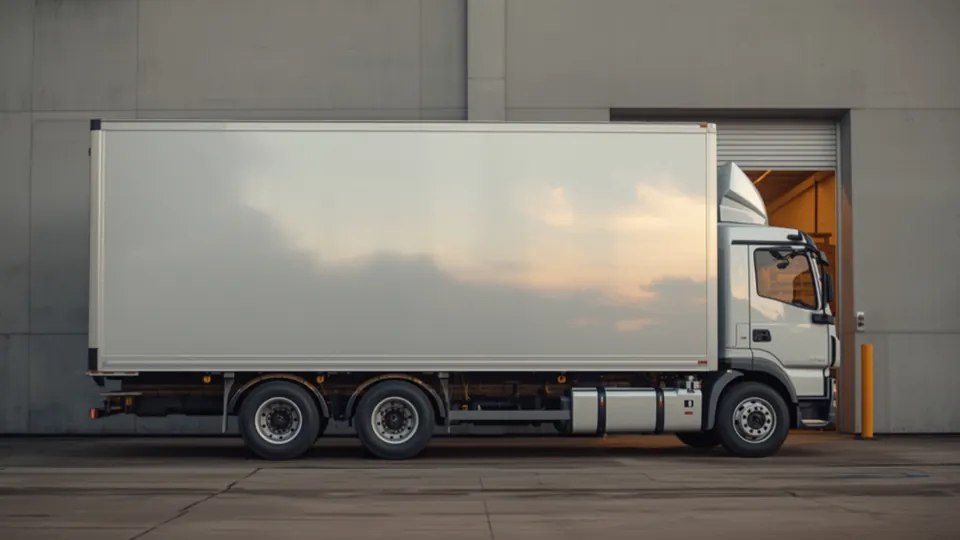
Food & beverage delivery
Every outlet served on time, with proof of every delivery.
ZonePin for food & beverage deliveryNo. ZonePin tracks reefer vehicles like the rest of the fleet — live location, routes, delivery windows and proof of delivery — but it does not read compartment temperatures. If you need temperature records, keep your temperature loggers alongside it, and talk to us about what you need.
Yes. Routing plans the day’s stops around each outlet’s receiving hours, within vehicle capacity and driver hours. ETAs keep updating as vehicles move, you get an alert when one leaves its route, and a route can be changed with one click while the vehicle is still out.
Drivers capture proof of delivery in the app, even without signal, and it uploads as soon as they reconnect. Pre- and post-trip checks and defect reports work offline too.
Crews & public fleets
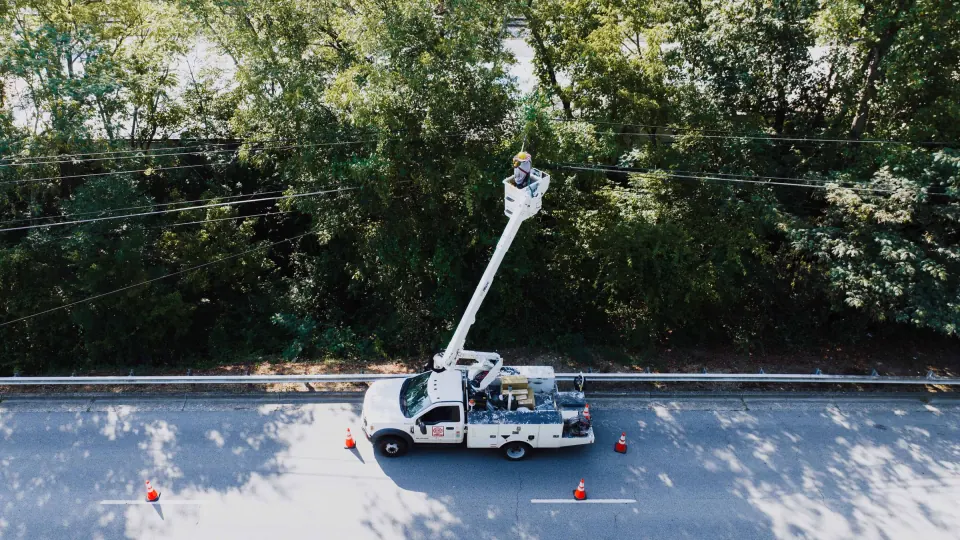
Utilities & public sector
Every vehicle accounted for, every crew protected, every audit answered.
ZonePin for utilities & public sectorYes. Build roles from named permissions and limit each person to the vehicle groups and regions they manage, so a zonal office sees only its own vehicles. Custom roles and scoped access are part of the Enterprise plan.
The driver app has an SOS button. When a driver presses it, the alert cuts through every quiet-hours setting and reaches the people on call, whatever the hour. The live map shows every vehicle's position, updating every few seconds.
Yes. Draw substations, wards or depots as geofences. Every entry, exit and visit is recorded, overlong stays raise an alert, and a scheduled visit that never happened is flagged automatically. Each zone's rules can follow that site's working hours, so night-time movement stands out. Trip replay then shows the road actually driven next to the route that was planned.
Yes. Every sign-in, permission change and data edit goes into an append-only audit log that nobody can rewrite, showing who did what, when and from which IP. If our support team ever needs to look inside your workspace, it goes through a dedicated tool that records every session. The audit log is part of the Enterprise plan.
In India. The database, files and backups stay on Amazon Web Services in Mumbai. The site, apps and APIs only talk over TLS, documents and backups are encrypted at rest under managed keys, and the database itself keeps your organisation's data walled off from every other customer's.
Two-factor sign-in works with any authenticator app and comes with one-time recovery codes. It is always on for admins, and you can require it for everyone. Roles are built from named permissions, each person can be limited to the vehicle groups and regions they manage, and every sign-in and permission change goes into an append-only audit log.
Vehicles you hand over
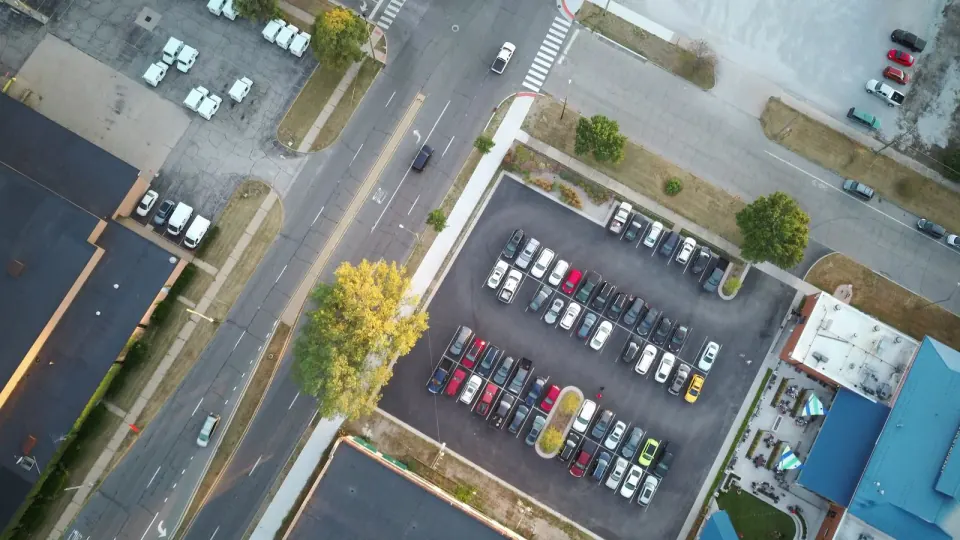
Rental, cabs & leasing
Know where each hire is, how it’s being driven and when it’s due back in.
ZonePin for rental, cabs & leasingYes. Draw your depots, sites and no-go areas as circles, polygons, route corridors or rings. ZonePin alerts you the moment a vehicle arrives, leaves or stays too long, and it filters out GPS jitter first. Zone rules can follow each depot’s working hours, so a car leaving the yard at night stands out. Alerts arrive by email, mobile push or in-app.
Yes. Every car on hire shows its live position, speed and ignition. Each trip is scored on harsh braking, speeding and cornering. Trip replay lets you scrub back through any journey on the map. Readings are checked as they arrive, so overspeed and harsh-braking alerts reach you while the vehicle is still out, not after it comes back.
Service is predicted from how each vehicle is actually driven, not from a calendar. Every vehicle carries a health score, and engine fault codes — where the tracker reads them over OBD-II or CAN — are explained in plain English. Work orders and service logs stay tied to the vehicle. If one of your drivers reports a critical defect in the driver app, the vehicle is taken out of dispatch until someone clears it.
Yes. RC, insurance, PUC, permits and licences are kept in one place with their expiry dates. Reminders repeat until each one is renewed. Document expiry is also an alert trigger, so you decide who hears about it, and where.
Yes. Every journey is recorded. The report library has utilisation, distance, trip and idling reports ready to run across the fleet. The dashboard shows at a glance what is moving, idle or stopped. Schedule reports to arrive as PDF, Excel or CSV, or build your own with the custom report builder.
If they are on our supported list, yes — nine Teltonika models work out of the box, and the plug-in OBD-II ones fit a hire car in minutes. The supported trackers page names each model. For other hardware, talk to us before you fit it, and order new or replacement devices through a support ticket.
Still wondering?
Ask us about your fleet.
Tell us what you run and what you need to know. We will answer it with your vehicles, routes and paperwork in mind.