For you · B2C
Your ride, always in reach.
Live location for your car or bike, right on your phone — and an instant alert the moment something isn’t right.


9:41

0 km/h
Home zone · now
 Home
Home Live
Live Alerts
 Settings
Inside the ZonePin GPS app
9:41
Alerts
Mark all read
TODAY
- Moved with ignition offMy car · 02:40 · Tap to immobilise
- Tracker offline for 6 hMy car · 20:15
- Tamper detectedMy car · 01:56
- Speed 82 km/hMy car · 14:18
- Left Home zoneMy car · 14:32
YESTERDAY
- External power cutMy car · 02:11
- Ignition onMy car · 09:04
- Device battery 18%My car · 23:47
HomeLiveAlertsSettings9:41
My car
M15T16W17T18F19S20S2127.4 kmDISTANCE3TRIPS1h 31mDRIVE TIME14:12 → nowOngoingIndiranagar 100ft RdIn progress6.1 km· max 54 km/h
09:04 → 09:4137 minKoramangala 5th BlockWhitefield, ITPL Main Rd12.4 km· max 82 km/h
07:12 → 07:3826 minHome, HSR LayoutKoramangala 5th Block8.9 km· max 61 km/h
9:41
Family
WHO CAN SEE MY CAR
- ASAsha (you)+91 90000 00001Owner
- RORohan+91 90000 00002Viewer
- ?+91 90000 00003Invited — waiting for them to accept · expires in 6 daysPending
Invite someoneViewers see live location, trips, alerts and the odometer. They can’t immobilise, share, edit zones or manage members.
- 1AlertsTheft, tamper, power, speed and zone alerts — as push notifications and in the app.
- 2TripsEvery trip by day: where it went, how far, how long and its top speed.
- 3FamilyInvite family by phone number. They see it live; only you can immobilise or share.
Screens from the ZonePin GPS app design · names, numbers and places are sample data
What you get
Peace of mind, in your pocket.
Everything you need to keep an eye on the vehicles you love — and nothing you don't.
Live location
Where your car or bike is right now — with its speed, ignition and address — on your phone.
Theft alerts
If it moves with the ignition off — towed or pushed — you hear about it at once.
Remote immobiliser
Stop the engine from your phone, confirmed with a one-time code. For safety it works only below 20 km/h, on trackers fitted with a cut-off.
Ignition alerts
A ping every time the engine starts or stops.
Zones
Draw a zone around home or work — a circle or your own shape — and get told when it is entered or left.
Speed alerts
Set a speed limit for each vehicle and hear about it when it is crossed.
Power & tamper alerts
Know if the tracker loses power, runs low on battery, is tampered with or goes offline.
Trip history
Each trip on the map, with its start, end, distance, time and top speed.
Reports
Kilometres, driving time and idle time by day, week or month — and a summary every Monday.
Family access
Invite family by phone number to see a vehicle live, with its trips and alerts.
Live link
Send a live link anyone can open in a browser. It ends after 1 hour, 24 hours or 7 days.
Find my vehicle
Forgot where you parked? See how far it is and which way, then walk there with Google Maps.
Anti-theft, explained
At 2:47 AM, you’ll know.
ZonePin GPS keeps watch while you sleep. If your vehicle moves when it shouldn’t, you hear about it first, see where it is going — and can stop the engine from your phone.
23:12
Ignition off
Parked inside your Home zone.
02:47
Moved with ignition off
Your bike moved with the ignition off — the alert reaches your phone at once.
02:48
Tracking live
You follow it live on the map.
02:49
Immobilised
Tap Immobilise and confirm with a one-time code. It works below 20 km/h, so the engine is never cut at speed.
02:48
0 km/h
Old Airport Rd · now
HomeLiveAlertsSettingsMade for
Whatever you ride, pin it.
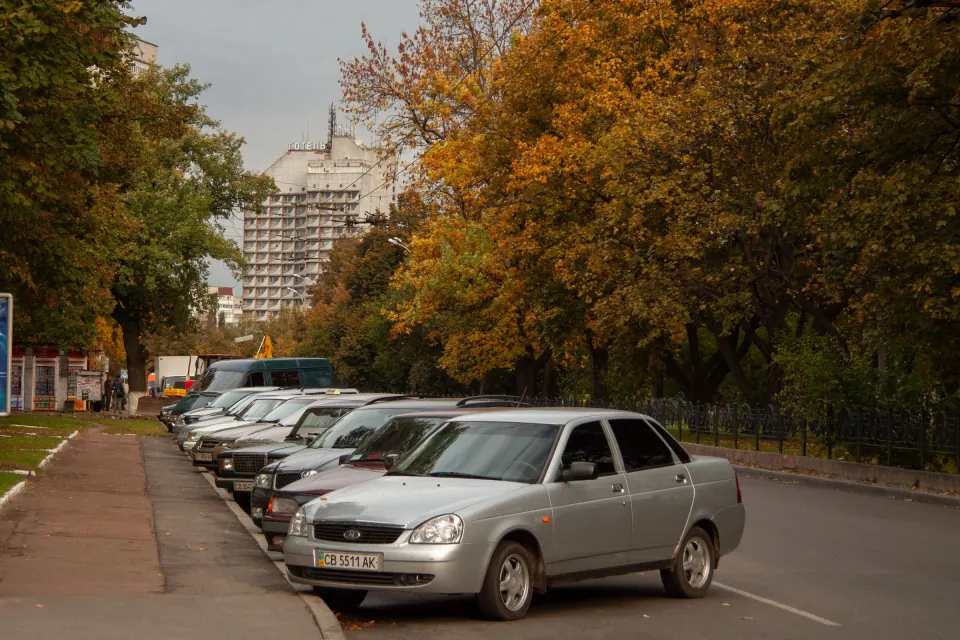
Your car
Know where it is parked, where it has been and when it moves.
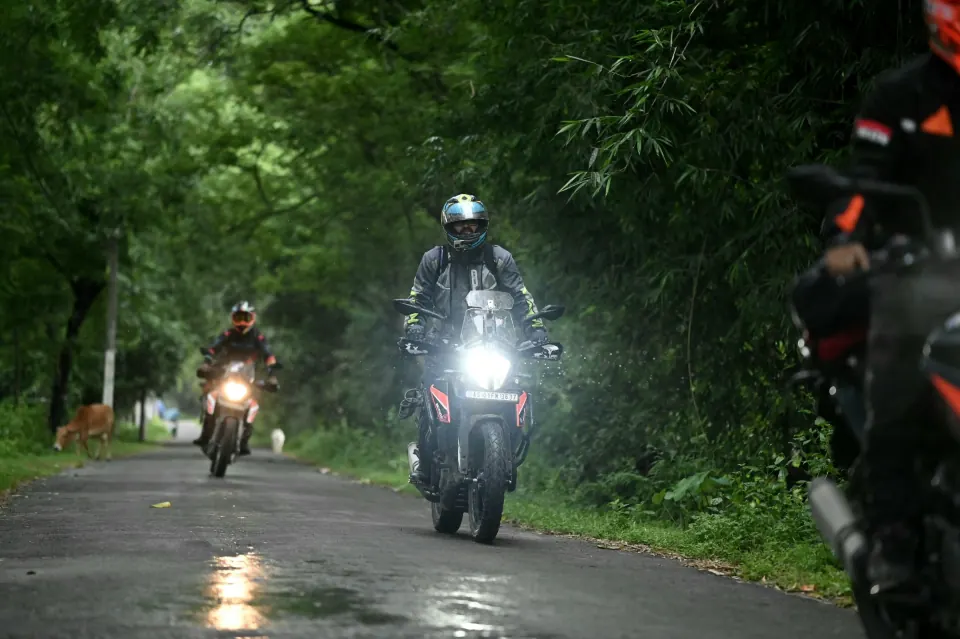
Your bike
Small, easy to steal, easy to protect — with an alert the moment it moves with the ignition off.
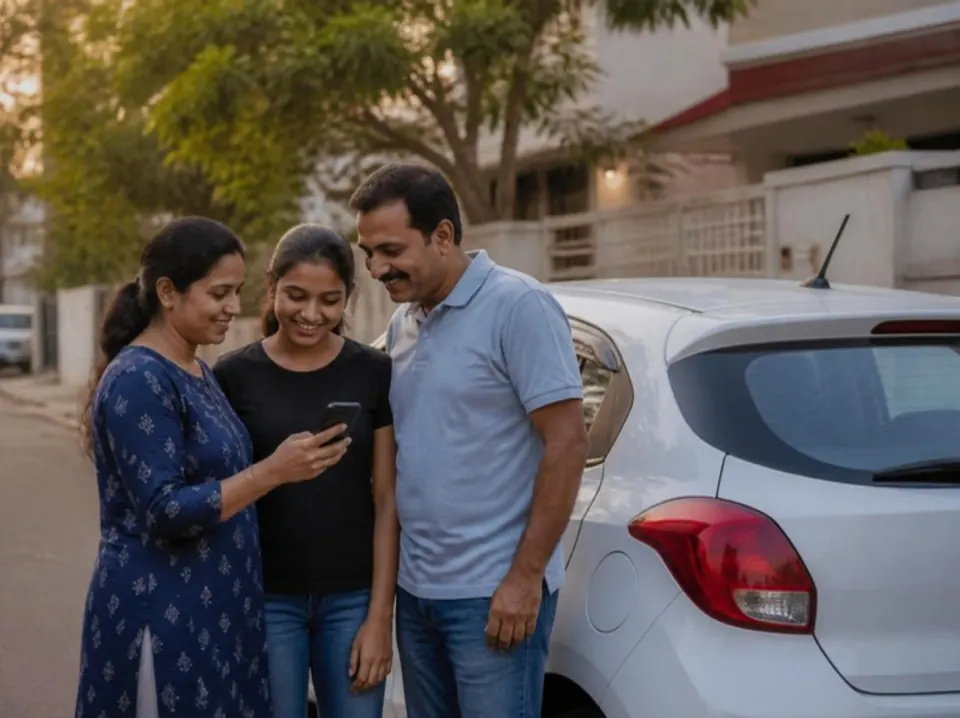
Your family
Invite family to any vehicle by phone number. Once they accept, they see it live and get its alerts.
How it works
Set up in minutes, from box to map.
- 01
Get it
Order a ZonePin GPS tracker in the app. In the box: the tracker, with the QR code that sets it up, and a quick start guide; the bike tracker comes with its wiring harness too.
- 02
Fit it
The car trackers plug into the OBD port, with no wiring. The bike tracker is wired into the bike. Each has its own SIM, so it works without your phone nearby.
- 03
Scan and go
Sign in with your phone number and a one-time code, scan the QR code and name your vehicle. It is on the map as soon as the tracker connects.
Get the app
Order your tracker in the app.
Get the ZonePin GPS app, sign in with your phone number and a one-time code, and order a tracker from Buy a tracker. You pay in the app, and every tracker includes its first year of tracking. The app isn’t in the app stores yet. Until it is, email us and we will help you get a tracker.
FAQ
Questions, answered.
Cars and bikes. Add as many as you like to one account, each with its own ZonePin tracker.
Yes. If it moves with the ignition off, you get a push alert straight away — with a button to immobilise it, if your tracker has a cut-off fitted. You can also be alerted when the ignition goes on or off, when it enters or leaves a zone, goes over your speed limit, loses power, runs low on battery, is tampered with or goes offline. Alerts arrive as push notifications and in the app.
No — by design. It works only below 20 km/h, so the engine is never cut at speed, and every command is confirmed with a one-time code. If the tracker is offline, the command waits and applies when it reconnects.
Only if you invite them. Enter their phone number and send them the invite link; once they accept, they see that vehicle live, with its trips and alerts. They can’t immobilise it, share it or change its settings, and you can remove them at any time.
No. You sign in with your phone number and a one-time code sent by SMS — or on WhatsApp if the SMS doesn’t arrive.
No — ZonePin GPS is a phone app. A live link you send opens in any browser, so the person you send it to doesn’t need the app.
You get reminders before it ends, and 5 days’ grace after. Then the vehicle is suspended: live tracking, trips, reports, alerts and the immobiliser pause until you renew (you can still restore the engine if it was cut off). The vehicle stays in the app, and its history is kept for the usual periods in our privacy policy (positions 30 days, trips and alerts 90 days). If you still haven’t renewed 30 days after the suspension, the tracker’s SIM is switched off; 5 days later that becomes permanent, and the tracker then needs a new SIM.
Order a tracker in the ZonePin GPS app (Buy a tracker) and pay there. Each one includes its first year of tracking, and the QR code in the box sets everything up. If you can’t find the app in your app store yet, email support@zonepin.tech and we will help you get a tracker.
ZonePin GPS
Never wonder where it is.
Every ZonePin GPS tracker includes its first year of tracking. Order yours in the ZonePin GPS app.